
A Spotify playlist editor that helps you hear the bigger picture.
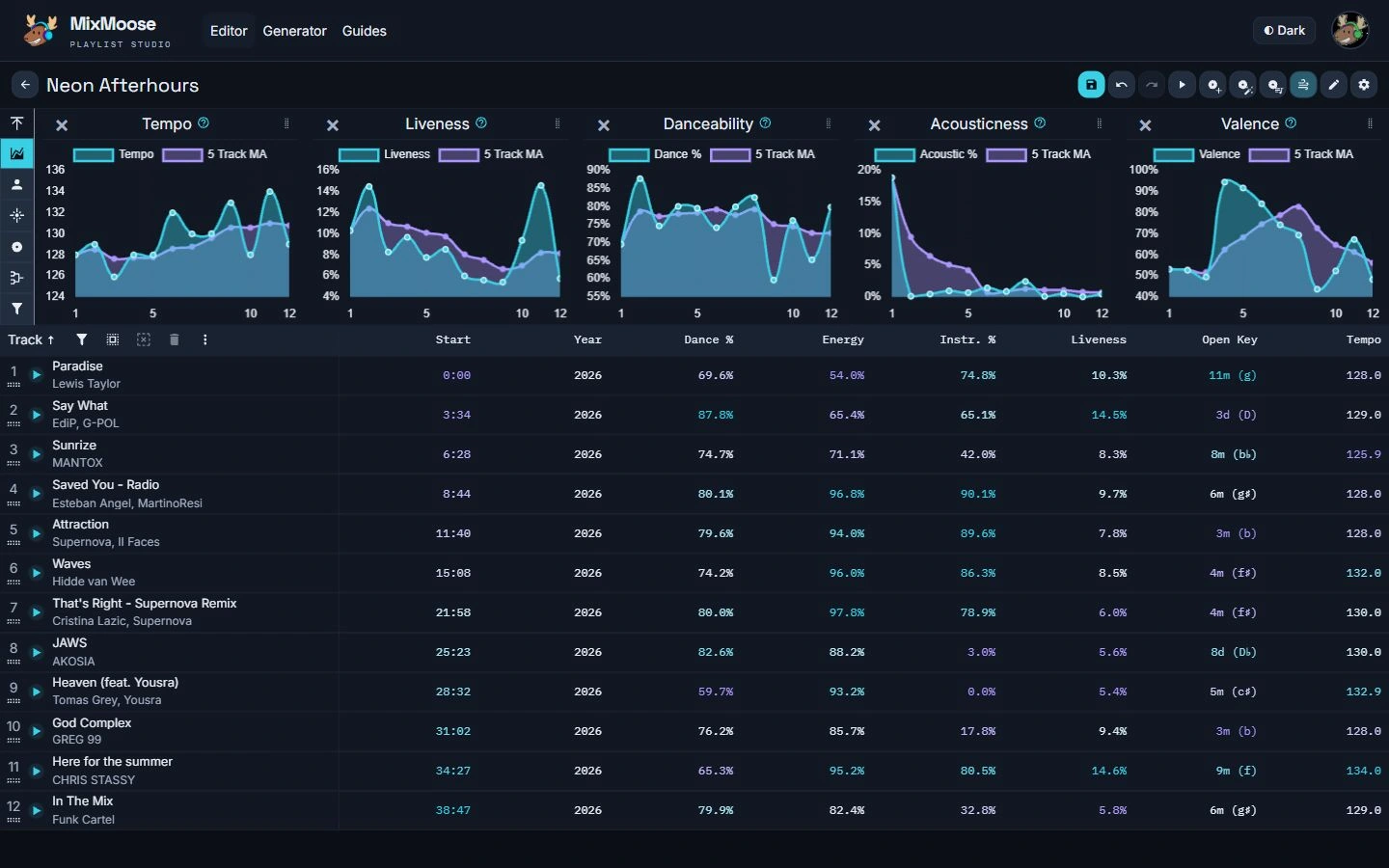
Explore your tracks with charts and playlist statistics. Sort, filter, drag tracks into place, and keep refining with endless assortment of tools.
- Explore audio features and see which artists, genres, and record labels make up your playlist.
- Find tracks, get recommendations and copy music from other playlists.
- Save your changes to Spotify or export your track list.
Generate a Spotify playlist from your own starting point.
Start with artists, songs, genres, or playlists. Adjust the length, years, exclusions, and track features to explore a new mix.
Try a preset, or use Surprise Me when you want to take a different direction.
Try the playlist generatorRead the generator guide →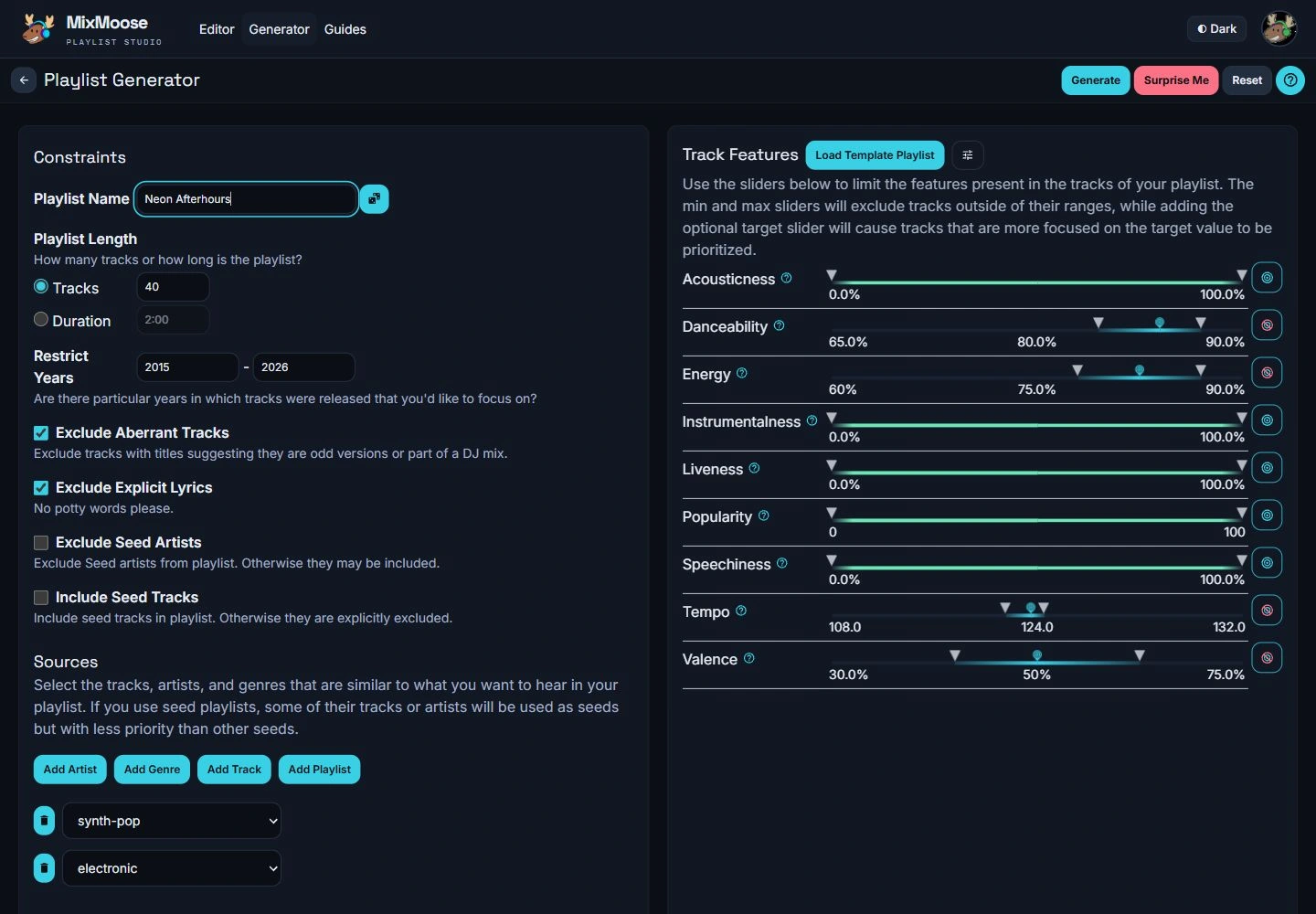
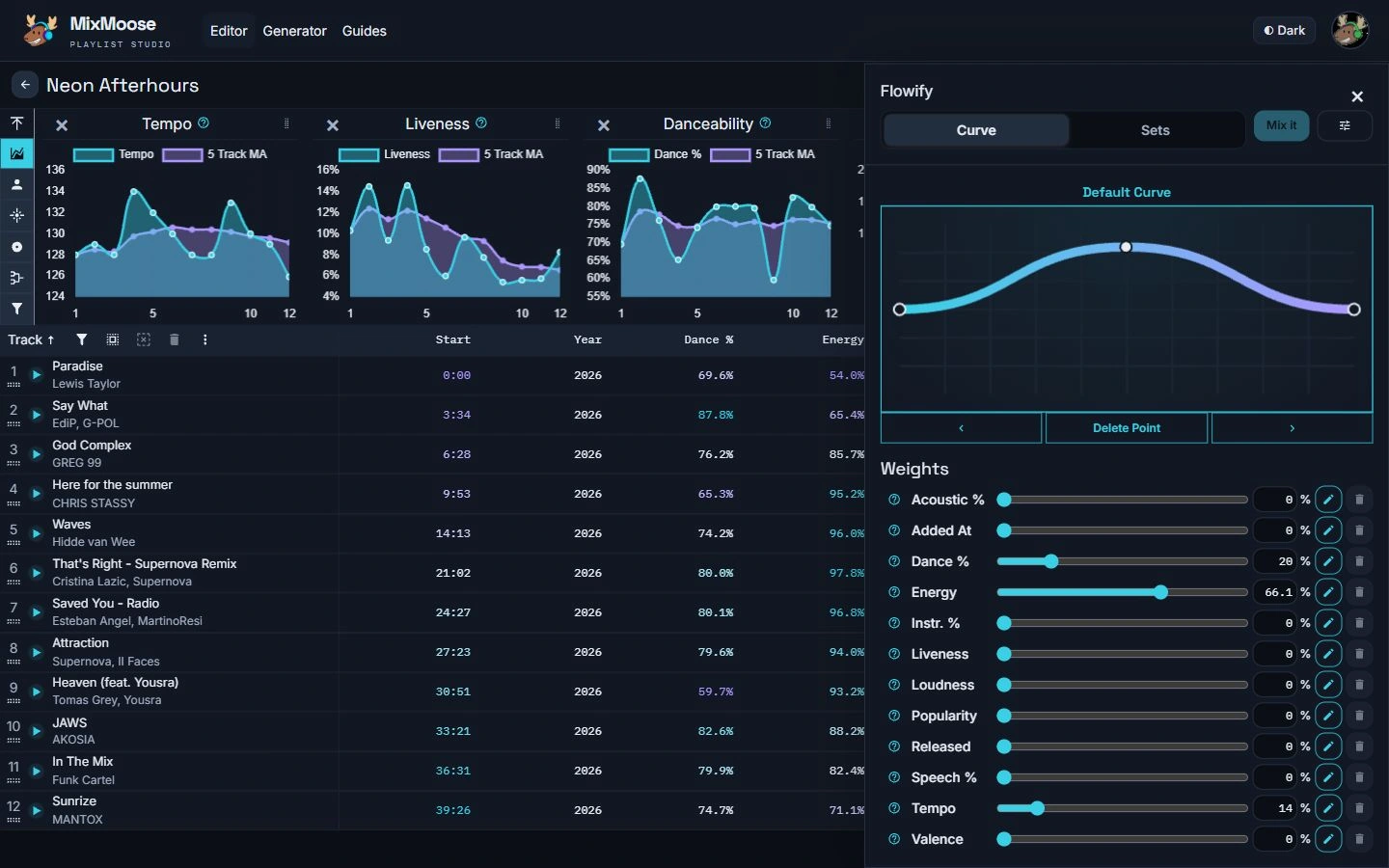
Give your playlist a flow.
- By hand: Use audio features, graphs, sorting, and drag-and-drop to refine the order.
- Curve: Draw how your playlist builds and settles, then choose feature weights.
- Sets: Group similar tracks into sections with your own set size and weights.
Find a little inspiration.
Pick a mood, a moment, or a little curiosity. These presets fill in genres and track-feature settings to give you a starting point. Tweak them before generating your own mix.
Golden hourWarm acoustic textures for the end of the day.Neon driveSynth-pop and electronic music with a steady pulse.Deep focusInstrumental ambient and classical tracks with fewer distractions.Sunny side upBright indie-pop and soul for a little lift.After hoursLow-energy chill and ambient music to slow things down.Late-night jazzRelaxed jazz and blues with an acoustic lean.Dance-floor warmupDisco and house that ease you into the groove.Full throttleHigh-energy rock and drum-and-bass for a push.Rainy windowGentler indie and singer-songwriter tracks with a reflective mood.Classical in motionA more energetic take on a classical starting point.Electric countryUpbeat country with less acousticness and more energy.

Enjoying MixMoose?
If you've enjoyed using it, a little support on Ko-fi is a lovely way to say thanks.
Support MixMoose →