
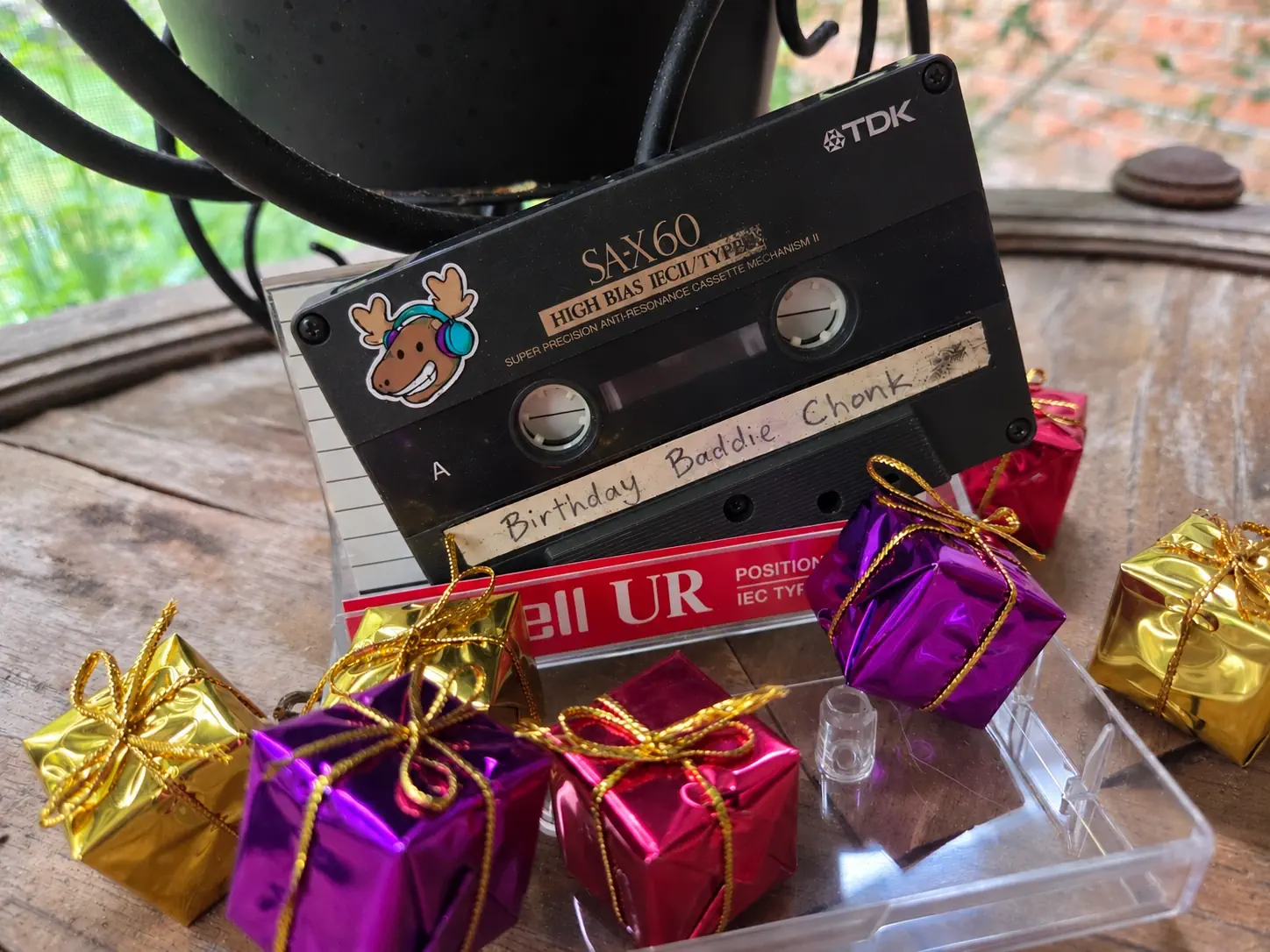
You've spent hours putting together a playlist for somebody. You've found the song from that trip, the track from that album they never remembered to give back, the tune that you hear and you just can't help thinking of them. Now what are you're going to do, text them a URL?
There's nothing wrong with sharing a link, but it doesn't do much for the presentation. A message buried in someone's texts is a dull way to pass along something you've put that much thought into. We have gift wrap for a reason because how you give somebody a gift can matter just as much as what's inside.
Give Them Something to Open
A mix tape used to come with a little ceremony. There was a case to open, a handwritten track list, and possibly some questionable artwork. Before the first song played, you could already tell that the person who made it took a lot of time and care.
Your playlist can still have that. The music doesn't need to live on a cassette or a CD for the gift to have a physical home. You just need something to hand over and a way to get from that something to the music.
Let the QR Code Make the Connection
Using a QR Code is a great way to deliver a mix tape on something physical. It just so happens MixMoose has a QR Code Generator built right in. It turns your playlist link into an image you can print, tuck into a case, or stick onto your gift. They scan the code with their phone and open the playlist. You get to give them something more interesting than a text message, and they don't have to find a working tape deck.
- Open your playlist in the MixMoose Editor and save it to your Spotify library if you haven't already. The QR code needs a saved playlist to link to.
- Click the playlist name to open its menu, then choose Generate QR Code.
- Make the code suit your gift. You can add a title, adjust the colors, include the playlist art and even adjust the borders to the point it comes out round like a CD
- Download the image, print it, and test the printed copy with your phone before wrapping anything.
Make sure the recipient can open the playlist too. Try the link from another account, or have a friend check it without spoiling the surprise. A QR code is a shortcut to the playlist, so the playlist still needs to be accessible to the person receiving it.
Fun fact about QR Codes: They can be missing whole chunks and still work. If you find a Neato CD Template and want to use the generated code on a label then go right ahead. That missing whole in the middle won't stop it from working.
Put That Old Media Back to Work
Before buying anything new, have a look in your drawers or visit a thrift store. Gainesville, Florida (home of MixMoose HQ) has a wonderful place called The Repurpose Project. They have all sorts of useful materials in circulation for art and other projects. Places like this are great for hunting down old media, their cases, and odd little things you can turn into a gift. You might go in looking for a CD case and come out with a completely different idea.
A Cassette Case, Minus the Cassette
Find an old cassette case and make a new paper insert for it. Put the playlist name on the spine, print the QR code inside the liner notes, and add a track list or a few words about why you made the mix. Fold the paper to fit the case, using the old insert as a guide if you still have it.
Where the tape would go, put a few individually wrapped chocolates. You get the familiar feel of a mix tape with something nice to eat while listening.
A CD Case With Something Worth Reading
A CD case gives you a little more room to work with. Print the QR code on card stock and cut it to fit. You can use the front for artwork or a playlist title and put the code and a personal note inside. An empty case is fine. There's no need to burn a disc that might never get played.
If you're feeling ambitious, make a little booklet. Write a sentence about a few of the songs, explain an inside joke, or tell them which track you picked first. Those are things a streaming app's track list isn't going to tell them.
A Sticker They Weren't Expecting
The code can go on almost anything. Print a round sticker that looks like a CD, with the QR code in the artwork, and put it somewhere they'll find it. Inside a birthday card, on the wrapping of another gift, or on a note tucked into their book could all work.
Add a small invitation like "I made you a mix. Scan to listen." Keep the code itself intact and clear of any decorative disc hole. Test it at the size you're printing, especially if you're making a small sticker. A surprise is more fun when it actually works.
It's the Thought That Counts...
...and your presentation is a fantastic way to show the thought you put into your playlist. It doesn't matter if what you made doesn't look professional. A folded insert with your handwriting on it can say more than a perfect printout. The point is to let them see some of the care you've already put into choosing the music. Give them something to unwrap, something to keep, and a reason to press play.